
Some people enjoy a familiar voice or quiet music at the end of the day; others find that sound keeps their attention active. The useful question is whether audio makes your own evening feel calmer or more distracting.
Treat audio as a comfort choice, not a cure
The National Institute on Aging includes soothing music among examples of relaxing bedtime activities. That does not mean a podcast or song will treat insomnia, and research on music-assisted relaxation is limited. Use audio because you find it pleasant, not because you expect it to guarantee sleep.
Choose something easy to stop listening to
A familiar, gentle playlist or a low-key podcast may be less engaging than a new series, debate, or suspenseful story. If you notice that you stay awake to hear what happens next, choose a different sound or turn it off.
Set it up before getting into bed
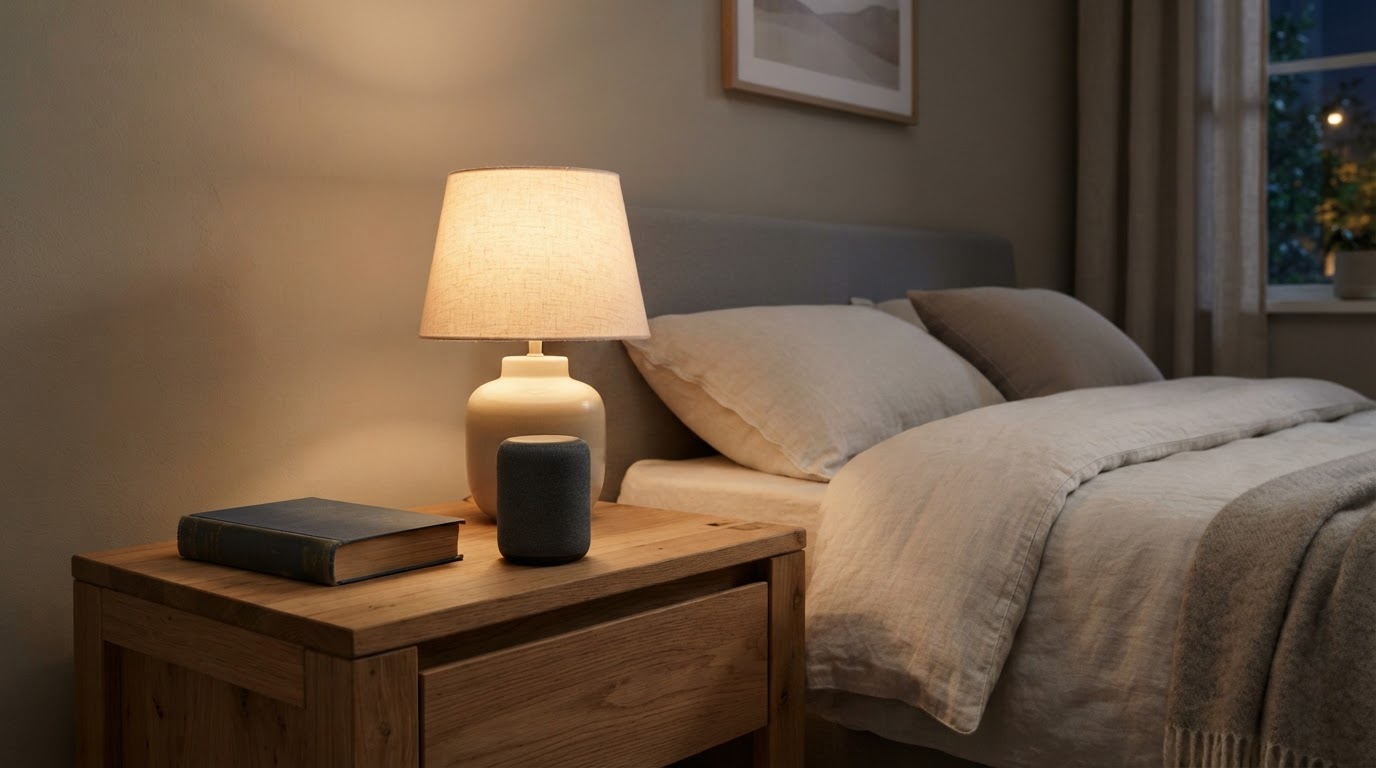
Use a sleep timer, turn off autoplay, and choose a comfortable volume. If you use a phone, set it up before the wind-down begins and keep notifications quiet. A small speaker can reduce the need to hold or browse on a screen.
Pick a listening setup that feels safe
Some people prefer a speaker; others use headphones or earbuds. Choose what feels comfortable and does not create a safety concern in your situation. Keep volume low enough to hear important sounds around you if that matters for your household.
Notice what happens over several nights
Try the same simple setup for a few evenings and observe whether it helps you relax or leaves you listening longer. If audio becomes another thing to manage, return to quiet or use a different wind-down activity. Persistent sleep problems deserve personal advice, not a growing list of gadgets.
Build a listening setup before the room is dark
Make the listening choice while you are still alert enough to use the controls comfortably. Pick one familiar playlist, recording, or quiet program, set a reasonable volume, and decide whether it should stop after a short interval. Turn off autoplay if you do not want another episode to start. Putting the phone down after setup can keep the choice from becoming a browsing session.
Try to remove small decisions from the moment you are tired. Save the chosen audio in an easy-to-find place, keep a speaker plugged in if you use one, or leave headphones where they will not tangle. If the app displays bright recommendations, use a screen setting that feels comfortable and close it after pressing play. There is no need to purchase a device or subscription to test whether sound suits you.
Choose audio that does not ask for your attention
A familiar voice or a gentle, predictable recording may be less absorbing than breaking news, a new crime series, a debate, or a program with cliffhangers. The best choice is individual: some people find speech distracting, while others prefer steady instrumental sound or quiet. Try one option at a time and notice whether you are listening passively or staying awake to follow every detail.
Silence is also a valid choice. If the audio begins to annoy you, makes you curious about the next track, or leads you to keep adjusting the volume, turn it off. You do not have to keep using it because you set a timer or because someone else recommended it. A helpful routine should reduce friction, not become a task to complete.
Consider other people and your surroundings
If you share a room, check whether the sound is comfortable for the other person and whether a speaker could disturb them. Headphones may prevent sound from carrying, but they are not right for everyone. Choose equipment that feels comfortable and does not create a safety issue for your household. Keep the volume low enough to hear important sounds if you need to remain aware of a child, an alarm, or another responsibility.
For people who need to hear a phone for caregiving or emergency calls, keep essential calls allowed and quiet the rest. A device placed where it is easy to reach can be more useful than hiding it completely. Use a sleep timer only if you are confident it will not interfere with an important alert. The aim is a setup that matches your circumstances rather than a rigid “no technology” rule.
How to tell whether audio helps you
Try the same simple setup over several evenings when your schedule is reasonably typical. In the morning, ask one practical question: did the audio help me settle, leave me listening longer, or make no noticeable difference? Do not measure success by how quickly you fall asleep on a single night. Many factors affect sleep, and a small personal experiment cannot diagnose a sleep problem.
If you keep waking to change tracks, hear ads, or reach for your phone, simplify the setup or choose quiet. If audio is pleasant but does not change sleep, you can still enjoy it as part of relaxing, as long as it is not interfering with rest or other needs. If sleep trouble is frequent or affects daily life, seek individualized advice rather than buying more audio equipment.
Common questions about sound at bedtime
Is a podcast better than music? There is no single best format for everyone. A familiar, low-key choice may feel easier to ignore than something new or suspenseful. Your own response matters more than the label.
Should audio play all night? That is a personal preference, not a requirement. A timer can reduce the need for sound to continue, while some people prefer a steady background. Consider comfort, shared-room needs, battery, and whether the sound wakes you.
Can audio treat insomnia? Do not rely on music or a podcast as treatment. The article offers general routine ideas; persistent sleep problems merit a conversation with a healthcare professional.
Set up audio with comfort and safety in mind
Choose a volume that is comfortable, and consider keeping one ear free if you need to hear a child, alarm, or other important sound. Timers are optional; use one only if it helps you avoid having to check the device. You can also prepare a familiar playlist before getting into bed so browsing does not become the main activity.
Sources
- National Institute on Aging: A Good Night’s Sleep
- NIH NCCIH: Sleep Disorders and Complementary Health Approaches
General educational information only, not diagnosis or treatment. Read our health disclaimer.